
VirtualDrive for Windows
Your cloud drive in File Explorer, with files that download only when you open them. Join the waitlist and we'll email you the day it's ready.
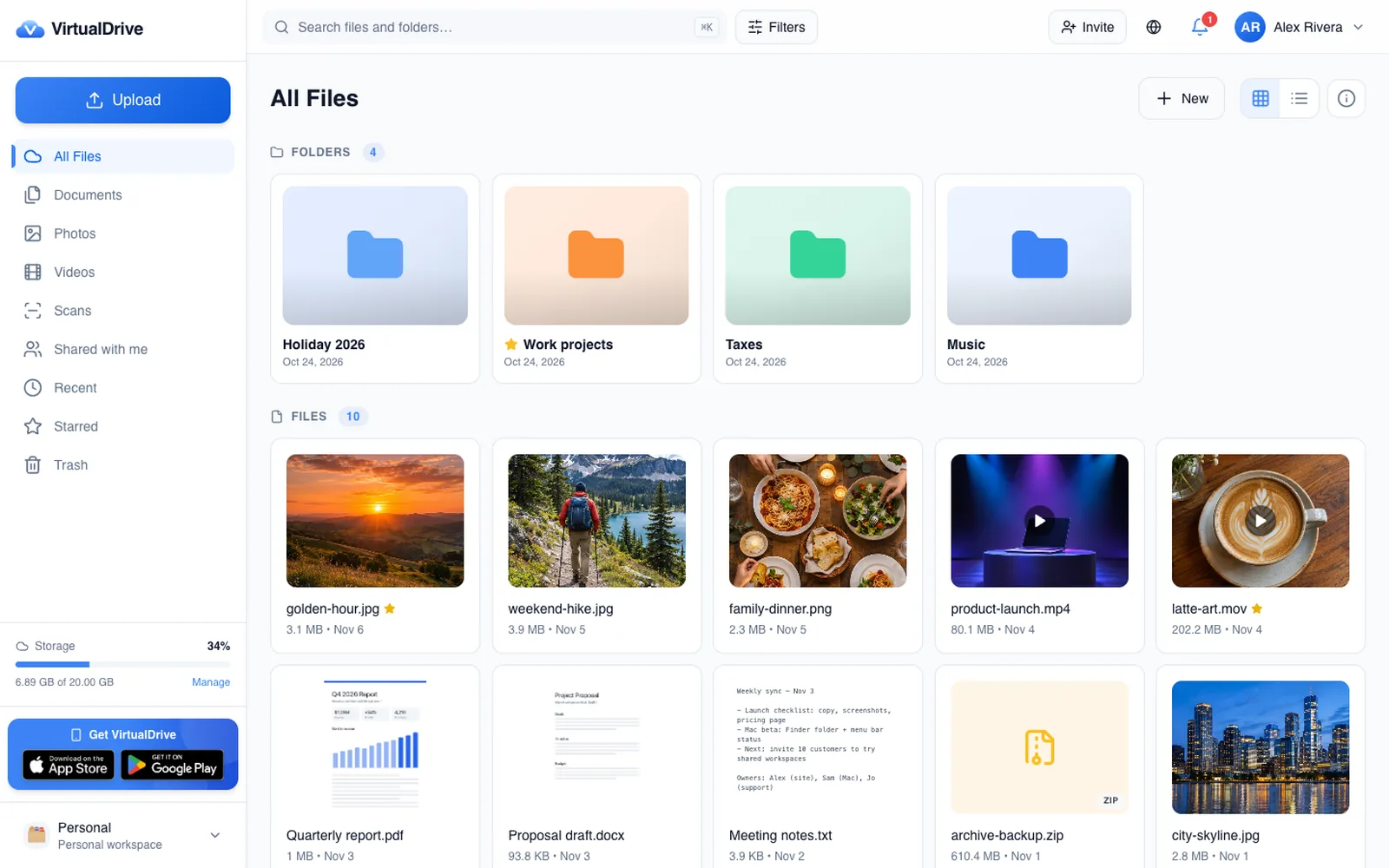
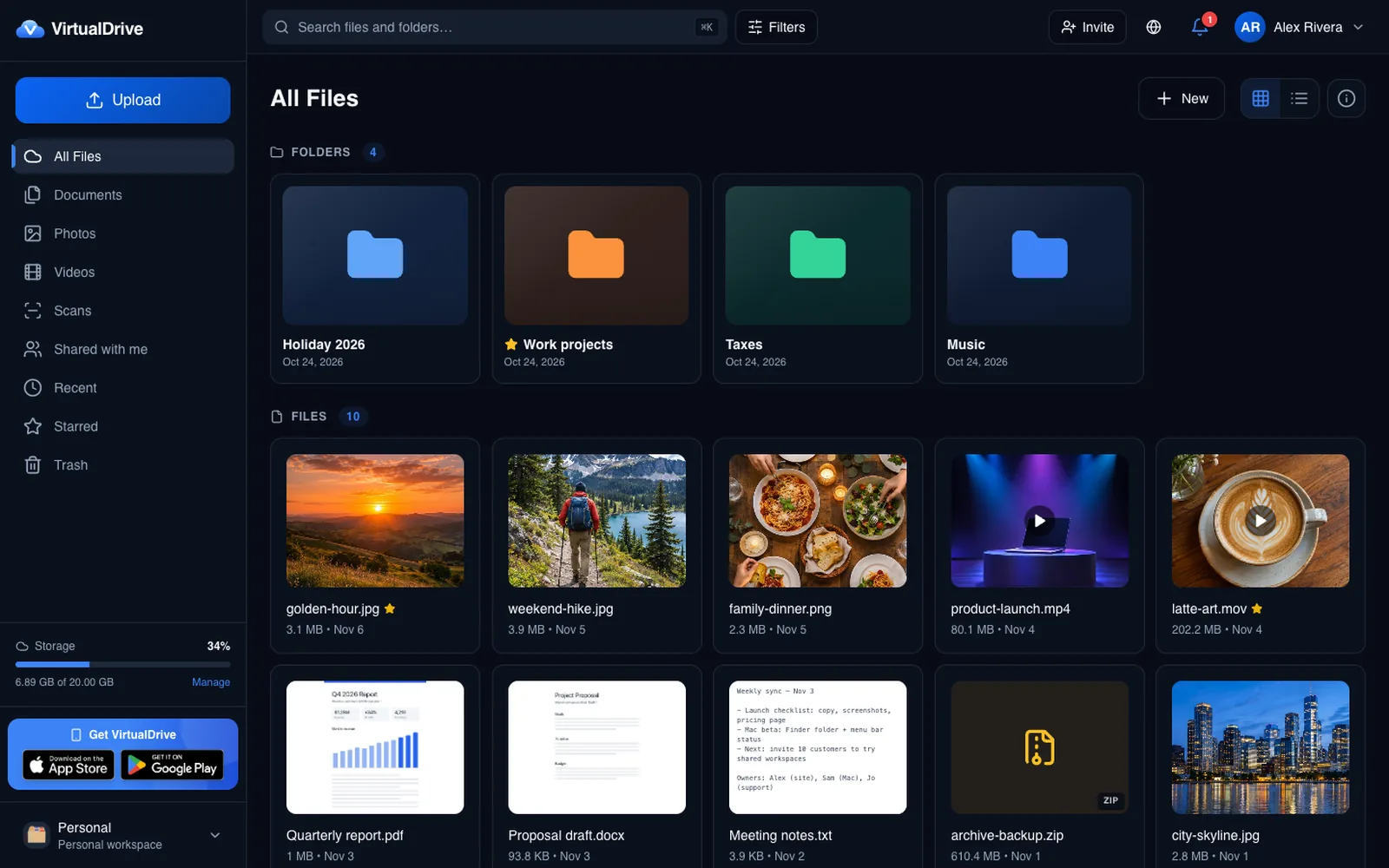
Use VirtualDrive on any Windows PC right now — and install it from Edge or Chrome as an app. Open VirtualDrive
What's coming to Windows
Your drive in File Explorer
VirtualDrive appears in the File Explorer navigation pane, like OneDrive. Open, save and organize files, and they sync to your account.
Built for every Windows PC
Native for Intel and AMD PCs and for the new Arm-based Copilot+ PCs, on Windows 11 and Windows 10.
Online-only files
Files stay in the cloud and download when you open them, so your PC's disk stays free. Pin folders you need offline.
Secure by default
Encrypted storage, two-factor authentication, Sign in with Google or Apple, and the same account and plan as on your phone and the web.
Questions about VirtualDrive for Windows
When will the Windows app be available?
It's in planning and development. Join the waitlist and we'll email you once, the day it's ready. Until then, VirtualDrive works in any browser on Windows.
Can I use VirtualDrive on Windows today?
Yes. Sign in at virtualdrive.us in Edge, Chrome or Firefox. In Edge or Chrome you can also install it as an app from the address bar.
Will it be free?
Yes. Every account starts with 20 GB free, and paid plans you already have apply on Windows too.
Will it work on Arm (Snapdragon) PCs?
Yes. We plan native builds for both x64 (Intel and AMD) and Arm64 PCs.
Is there a Mac app?
VirtualDrive for Mac is coming soon to the Mac App Store, and there are apps for iPhone, iPad and Android today.