
VirtualDrive for Mac
Your cloud drive, right in Finder. Drag files in, see sync status in the menu bar, and keep your Mac's disk free with online-only files.
Same account, same files, same plan on Mac, iPhone and the web. 20 GB free.
Finder
A VirtualDrive folder in the sidebar
Apple silicon
Native and fast on M-series Macs
One plan
Works on Mac, iPhone and web
20 GB
Free storage to start
Built for the way you work on a Mac
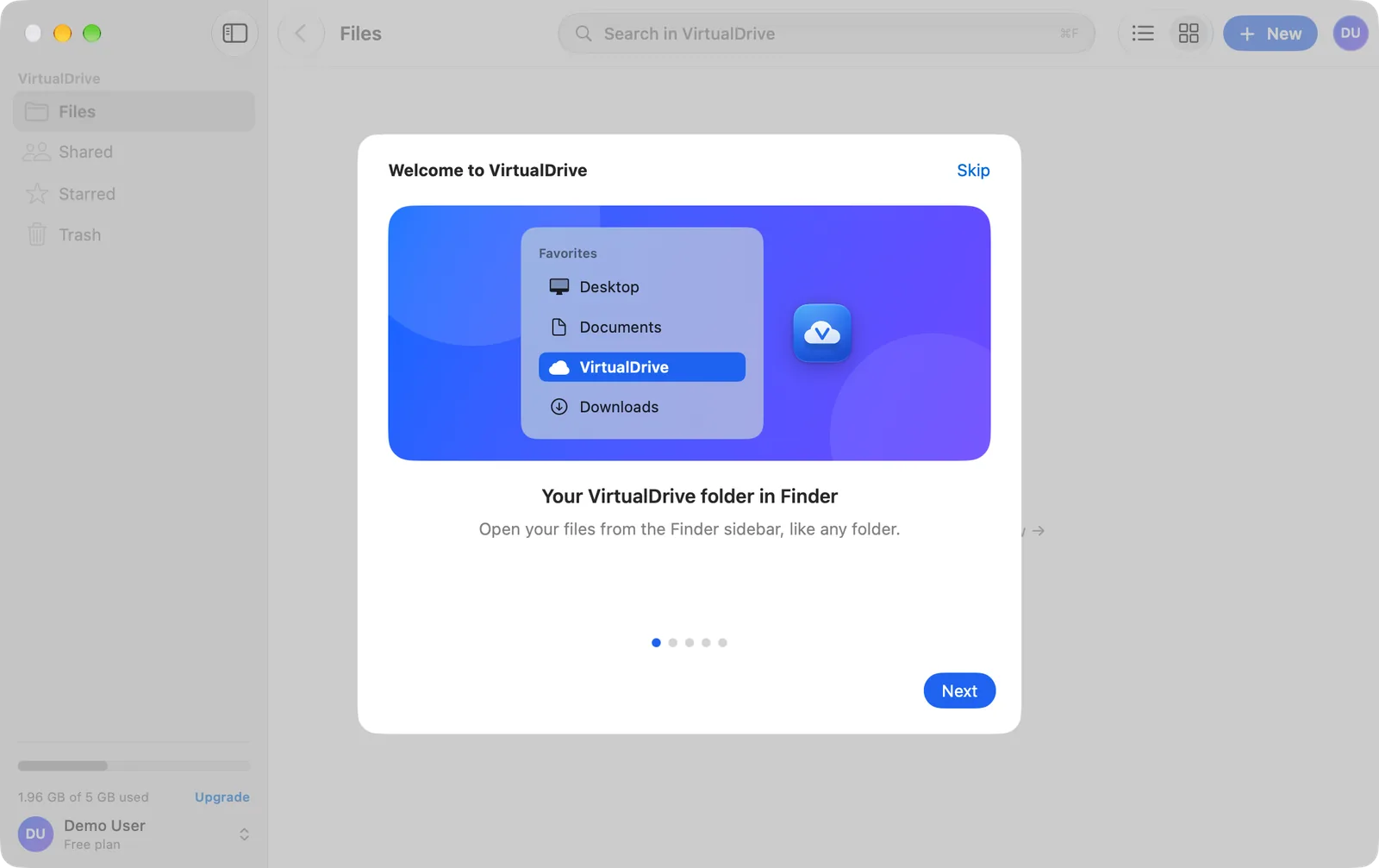
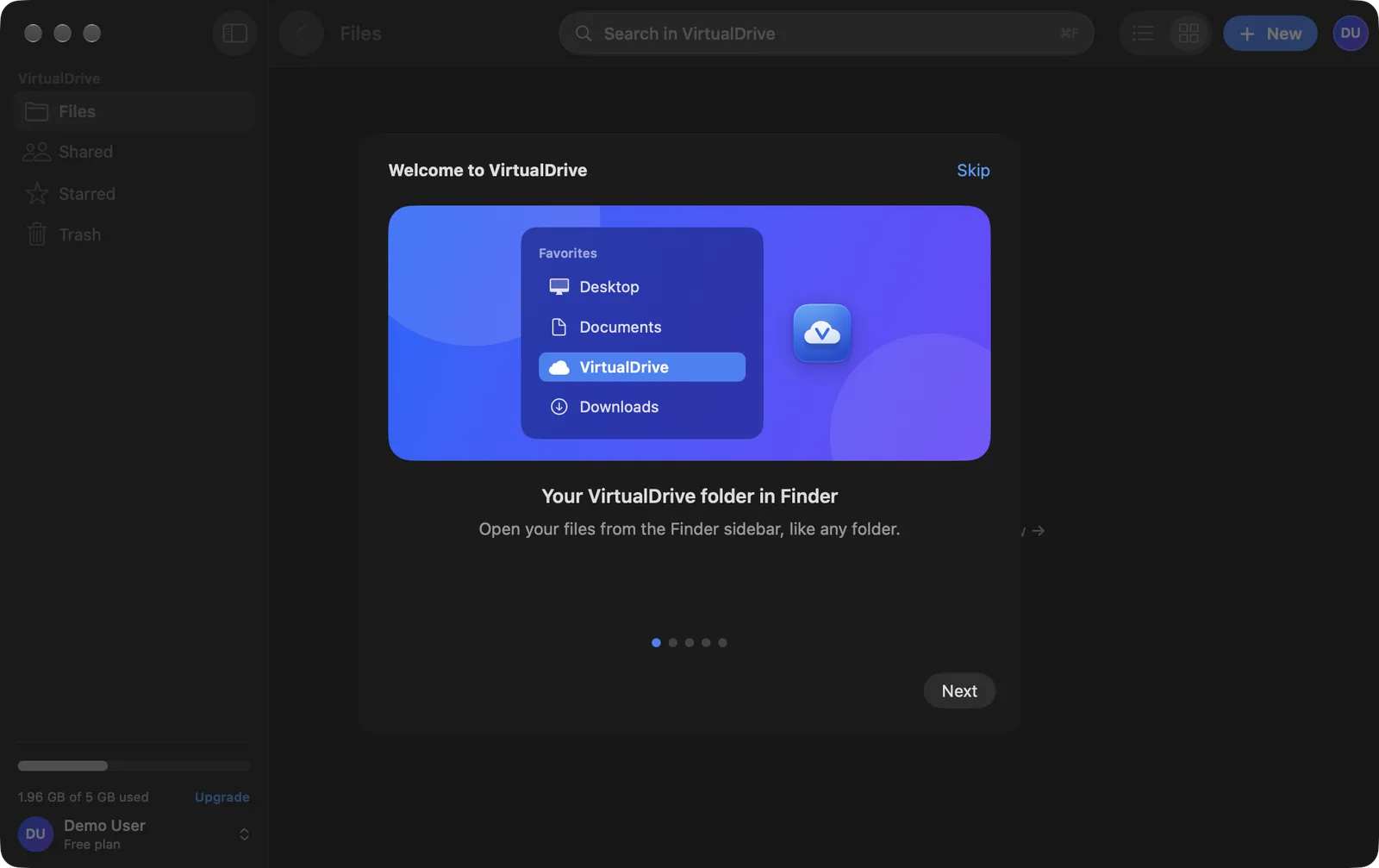
Your VirtualDrive folder in Finder
VirtualDrive appears under Locations in the Finder sidebar. Open, save and organise files like any other folder, and they sync to your account.
Drag in files and whole folders
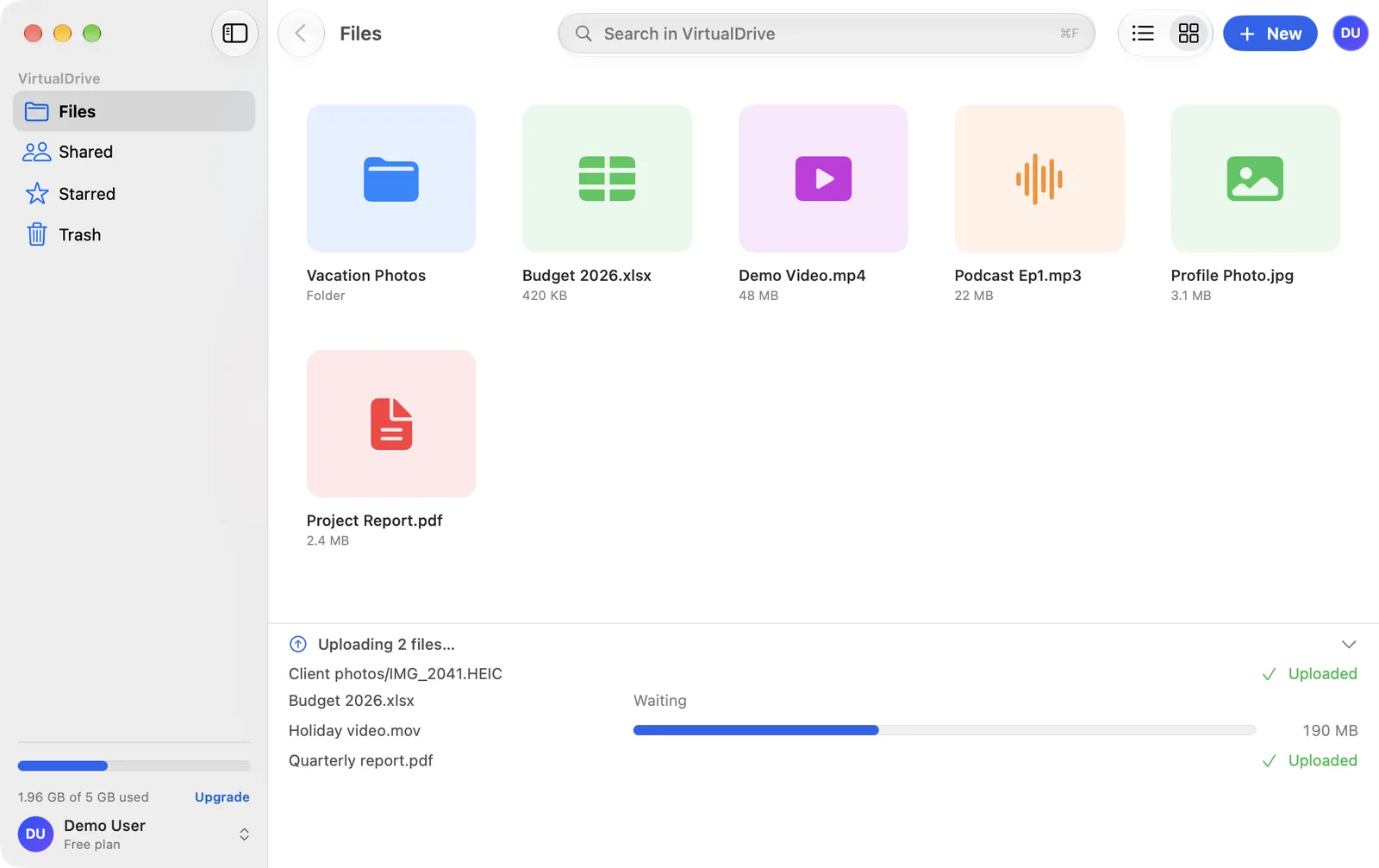
Drop files or folders on the window and they upload with their folder structure intact. Progress shows per file, and big uploads keep going in the background.
List or grid, with real previews
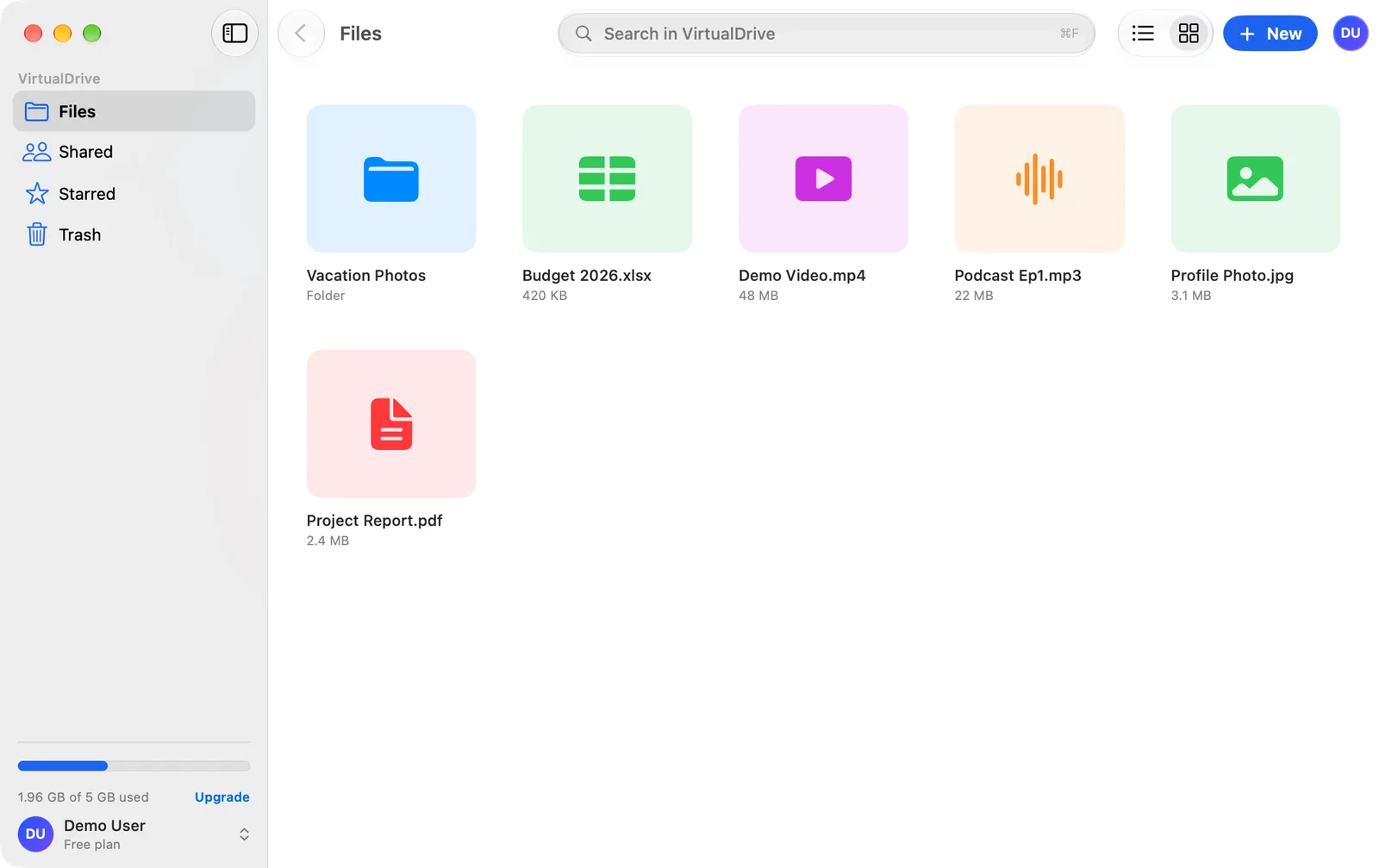
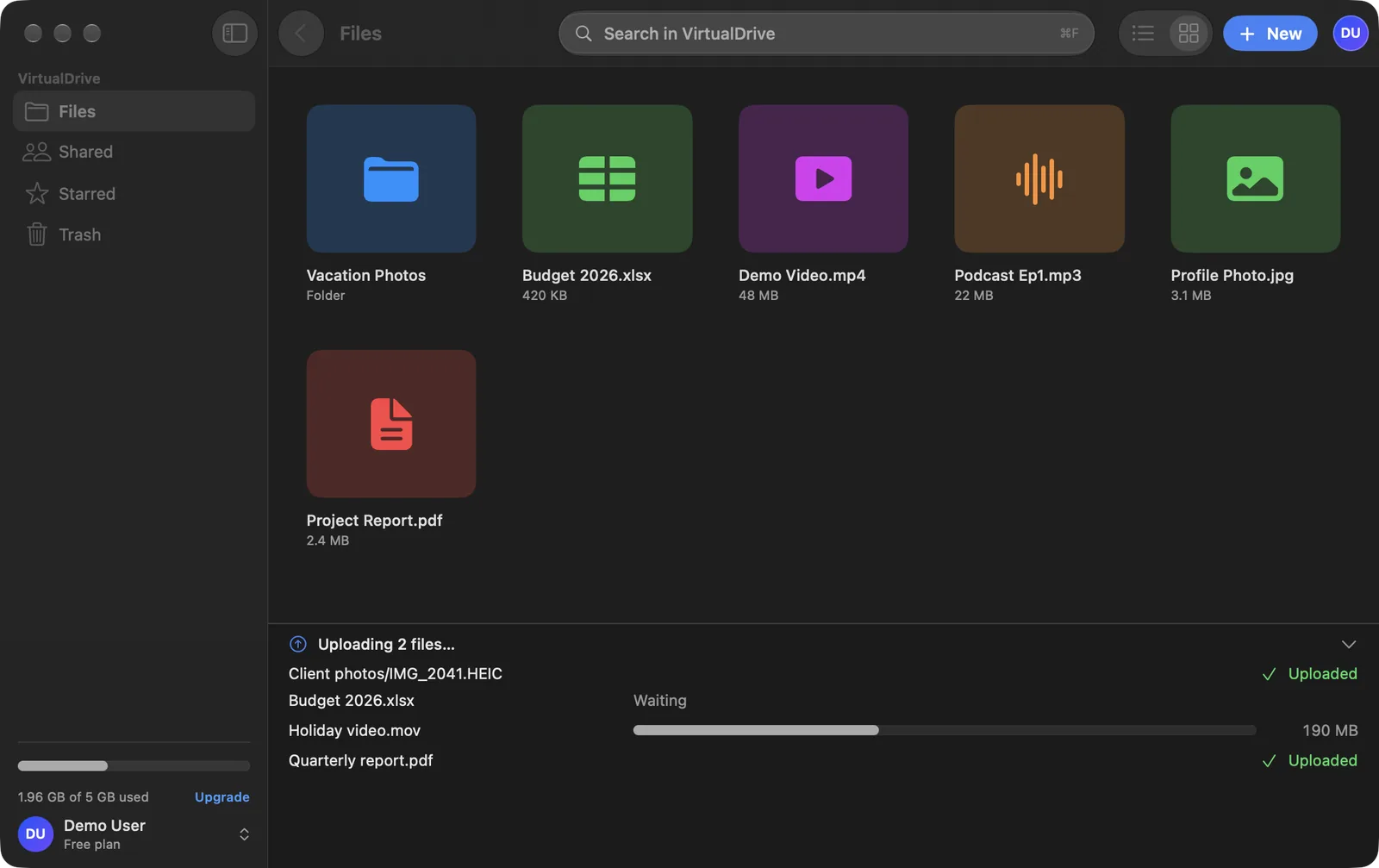
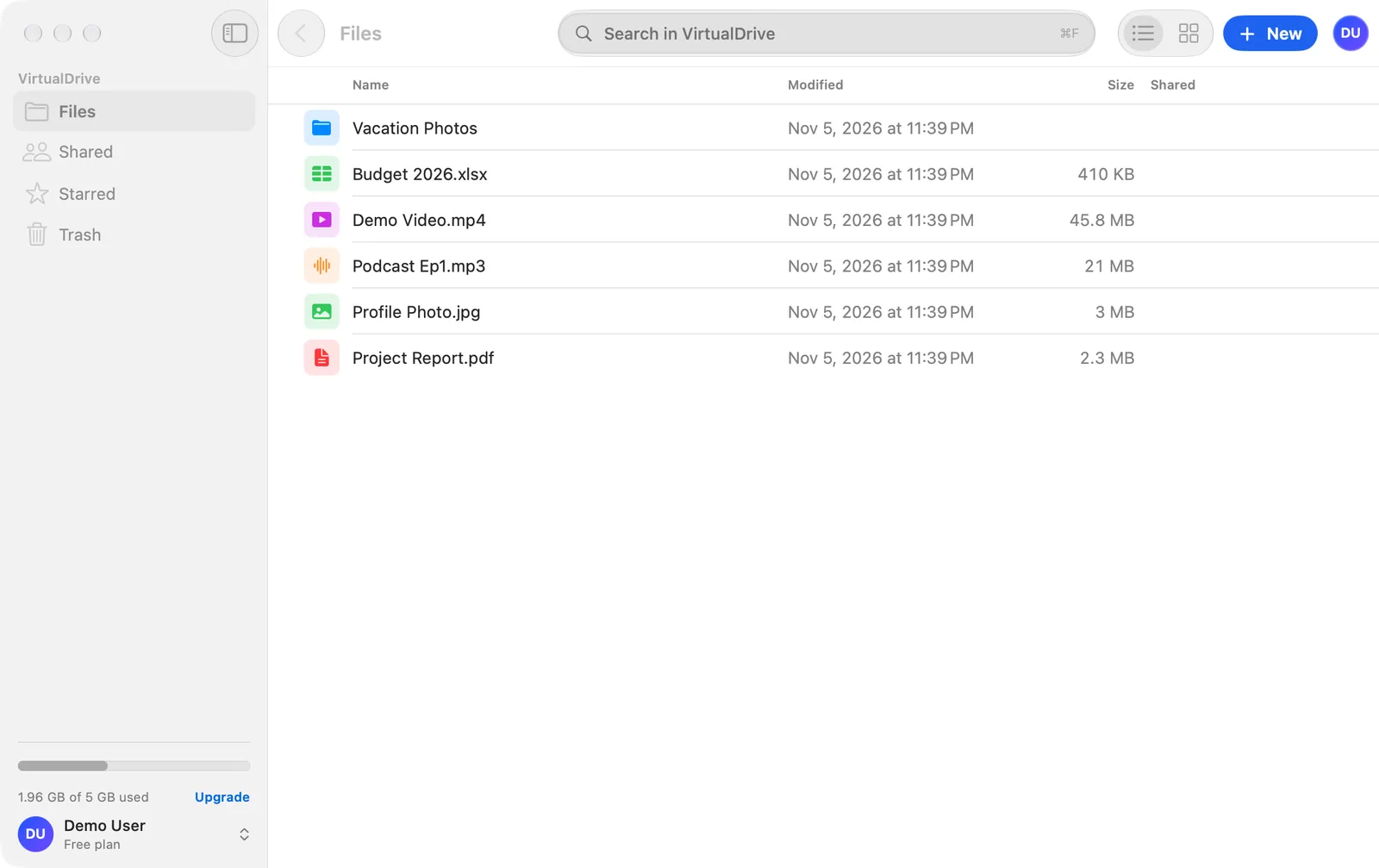
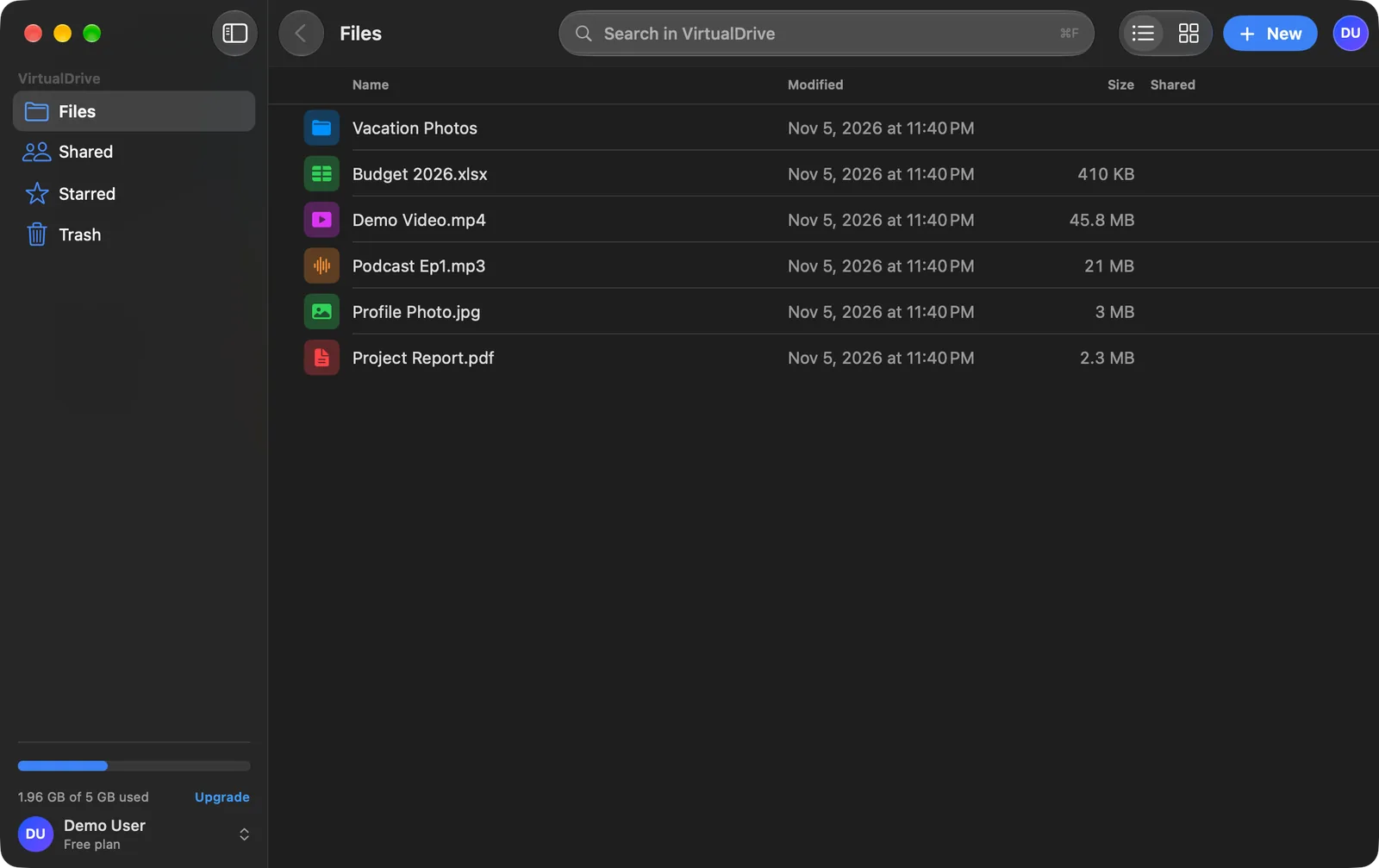
Switch between a detailed list and a grid of thumbnails for photos, videos and PDFs. Press the space bar for Quick Look.
Sync status in the menu bar
One glance at the menu-bar icon tells you if everything is up to date, still uploading or needs attention.
Space Saver: keep files online-only
Keep files in the cloud and download them only when you open them, so your Mac's disk stays free. You choose during setup and can change it any time.
Secure by default
Encrypted storage, two-factor authentication, Sign in with Apple or Google, and a list of your signed-in devices you can sign out of.
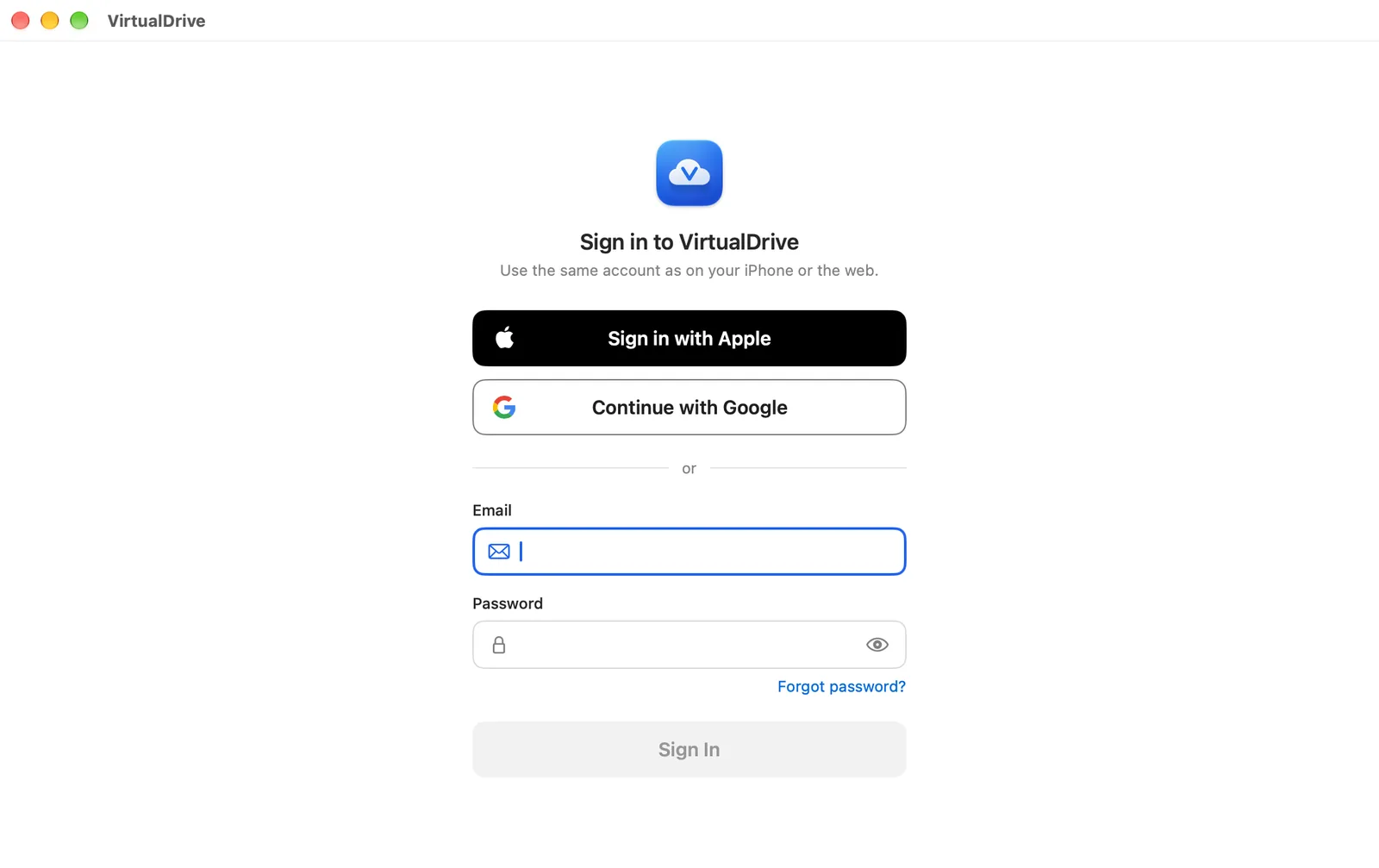
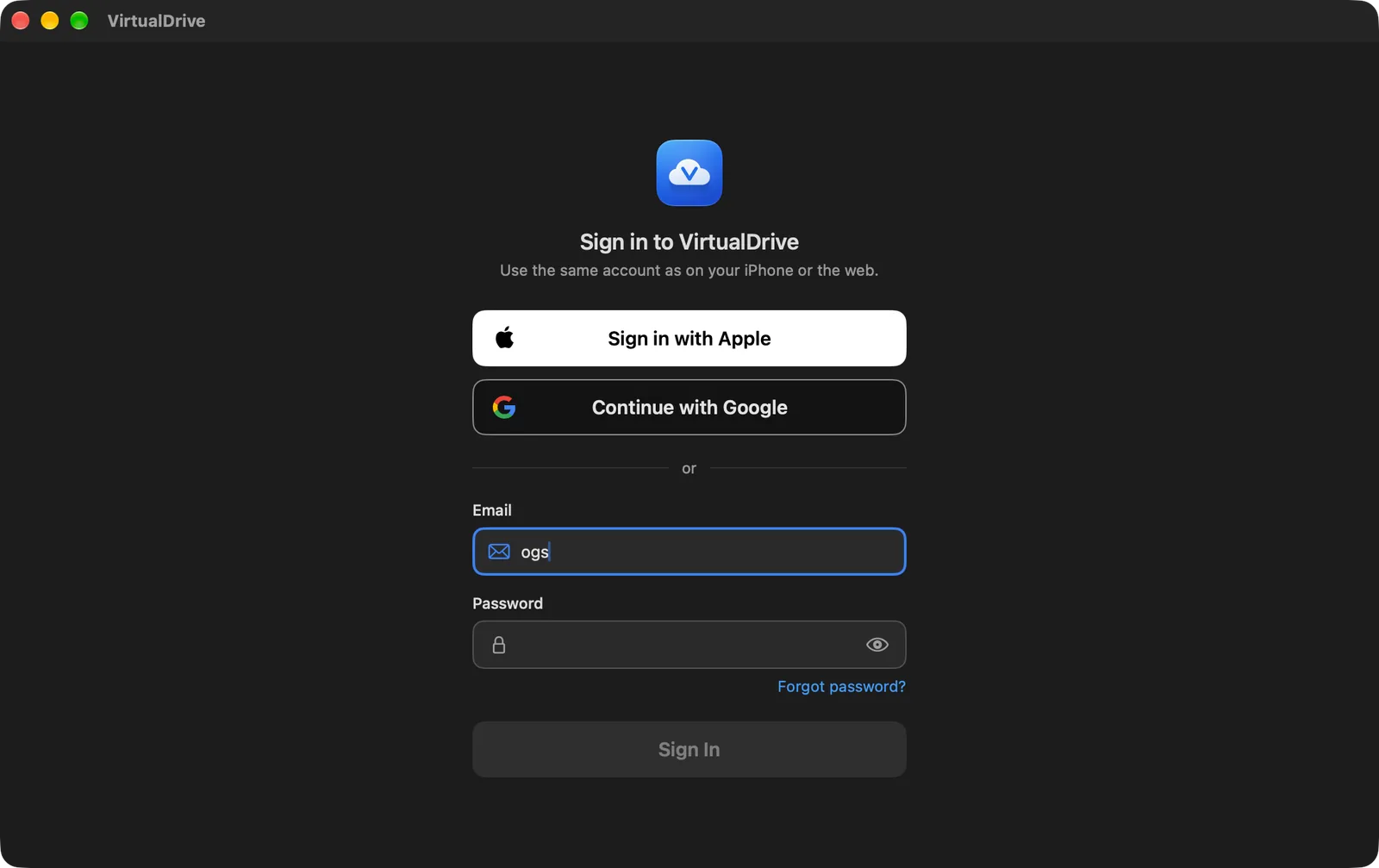
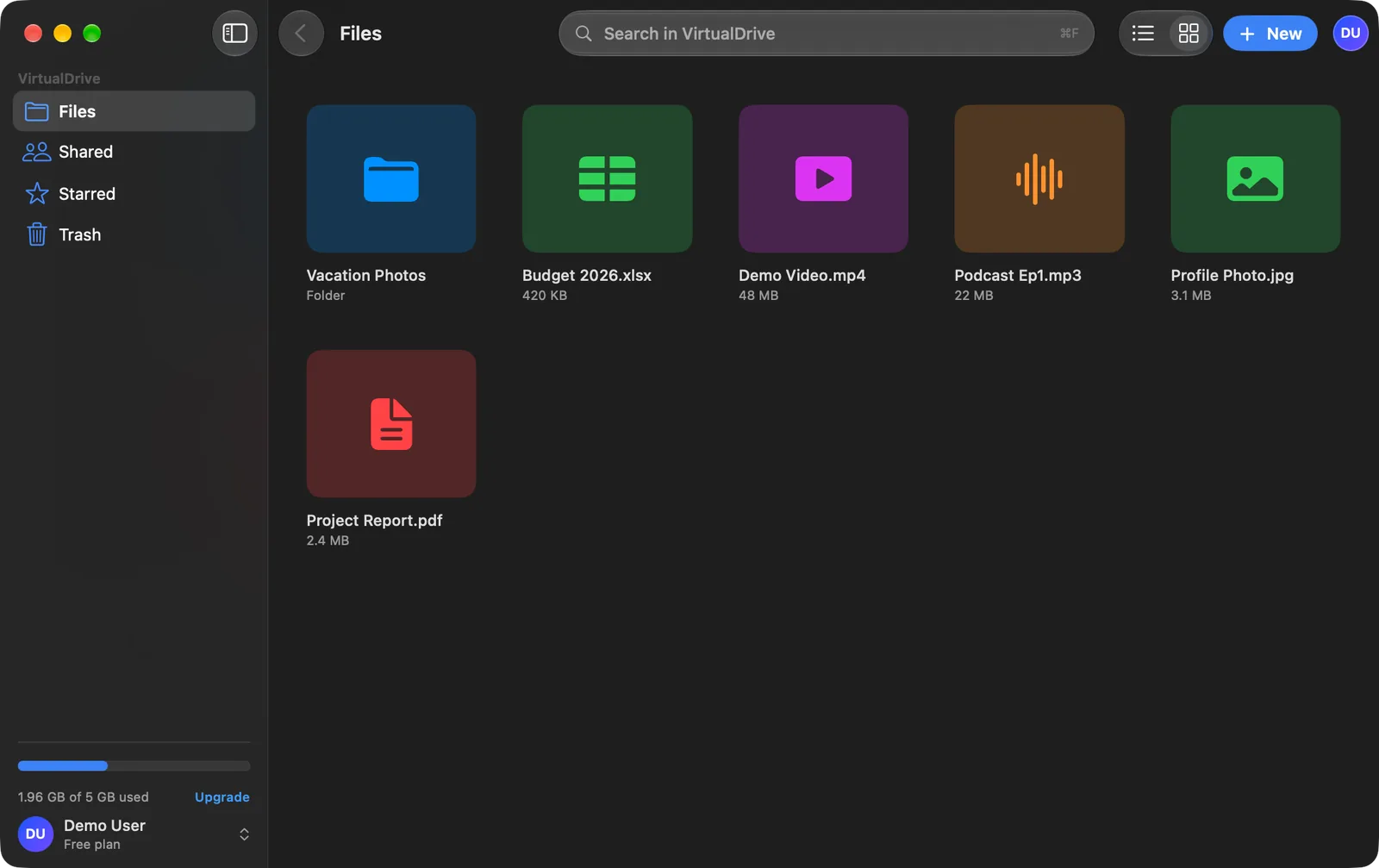
Looks right in light and dark
A clean, native Mac design that follows your appearance setting.
Questions about VirtualDrive for Mac
When will VirtualDrive for Mac be available?
It's in development and coming soon to the Mac App Store. Until then you can use VirtualDrive in any Mac browser, and on iPhone and iPad.
Is the Mac app free?
Yes. Every account starts with 20 GB of free storage. If you need more, the same Pro and Ultra plans you can buy on iPhone or the web also apply on the Mac.
Do I need a new account?
No. Sign in with the account you already use on the web or iPhone and all your files are there.
Which Macs are supported?
Macs running macOS 14 Sonoma or later. It's a native app, built for Apple silicon.
Will files take up space on my Mac?
Only if you want them to. With Space Saver, files stay online until you open them, so they don't fill your disk.
Is there a Windows app?
A Windows app is planned. Today you can install VirtualDrive from the browser on Windows as a web app.
Start with 20 GB free today
Create your account on the web now and your files will be waiting when the Mac app arrives.
Create a free account