Secure file sharing with clients has two jobs that often pull against each other. The client should not need to fight the software. The sender should not lose control of the file the moment a link leaves their inbox.
Whether you are sending contracts, design proofs, tax documents, media files, or onboarding paperwork, this checklist keeps the sharing flow simple without turning it into a public drop.
Use links deliberately
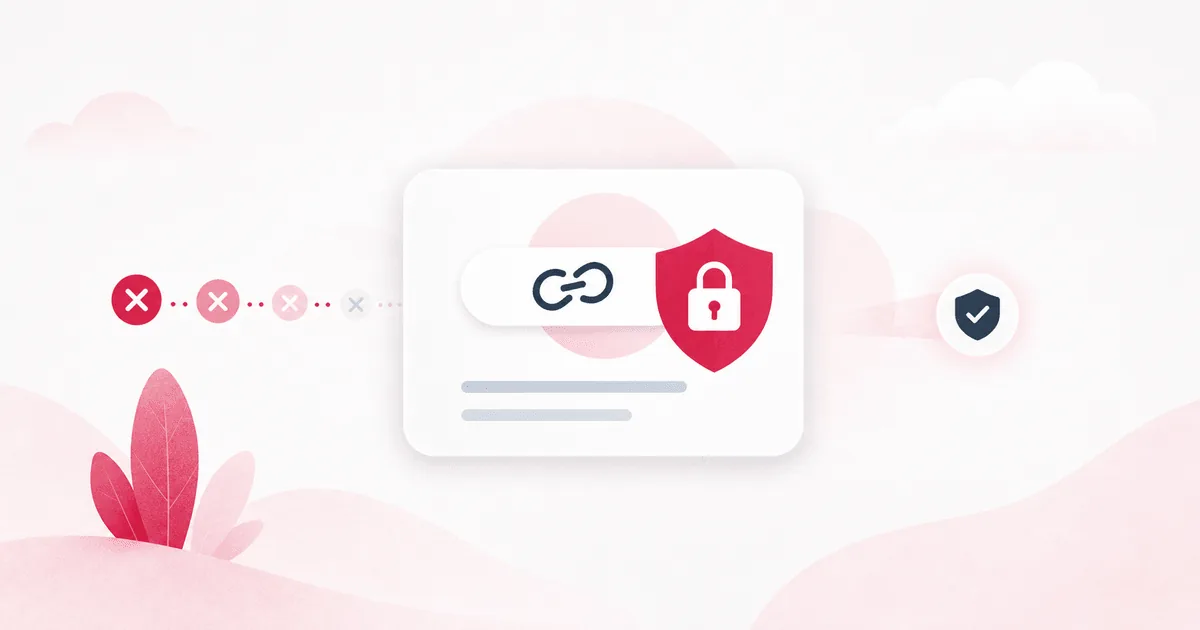
Public links are useful because they remove friction. They are also easy to forget. Treat every share link as a temporary doorway: create it for a purpose, send it to the right people, and close it when the work is done.
- Name shared folders clearly so recipients know what they are opening.
- Use password protection for sensitive documents.
- Set an expiry when the file is tied to a project or deadline.
- Review old links before they become permanent by accident.
Protect sensitive links
A password-protected link is only as strong as the system behind it. Passwords should not be stored as plain text, and failed guesses should not be allowed forever. VirtualDrive uses slow password checks and lockout behavior for protected share links to make repeated guessing a bad path for attackers.
Prefer folders for active projects
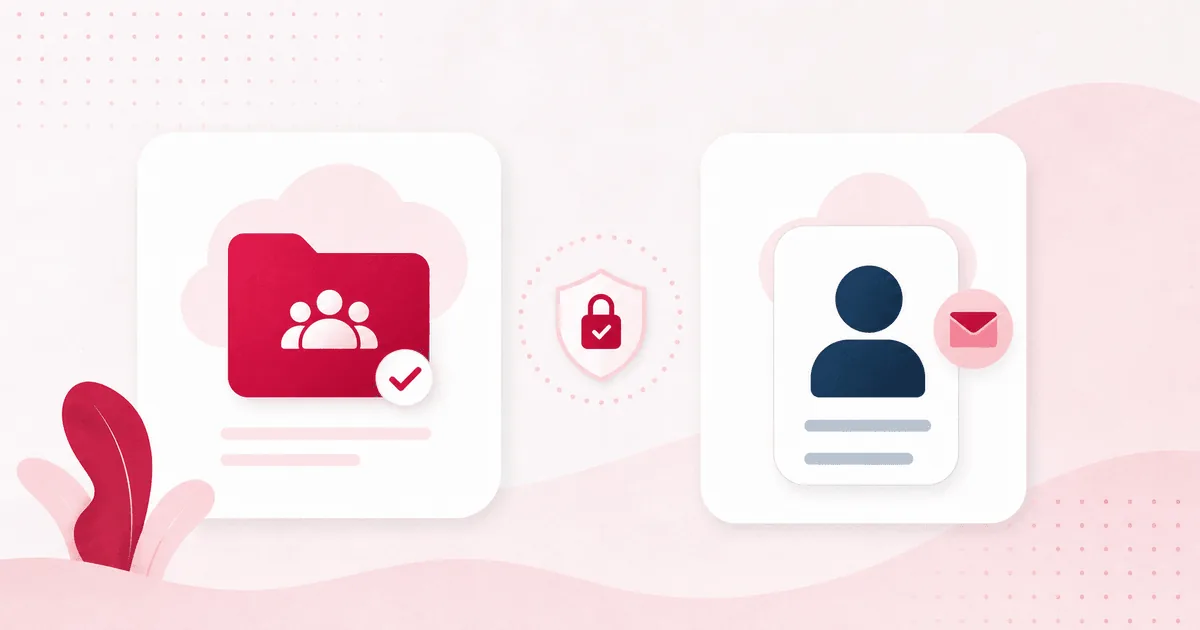
If a client needs multiple rounds of files, share a folder instead of sending a new one-off link every time. It gives both sides a cleaner source of truth and reduces the chance that an old version keeps circulating.
Clean up access when the work is done
Secure sharing is not just about the moment you send a file. It is also about what happens after the project ends. Build a habit of reviewing shared links and removing access that no longer serves a purpose.
Client-friendly and secure can coexist
The best client file-sharing flow is boring in the right way. The client opens the file. You keep control. Nobody has to wonder where the latest version lives.