Every VirtualDrive account starts with 20 GB of free cloud storage. You don't enter a credit card, there's no trial countdown ticking toward a charge, and the free plan doesn't expire. Sign up, and the space is yours.
But free cloud storage sounds simple until you compare the fine print. Some "free" space is shared with your email, some comes with ads, and some has a file-size limit that rules out phone videos. This guide puts the nine best-known free plans side by side, explains what 20 GB really holds, and is specific about the limits — ours included.
Full disclosure: we make VirtualDrive, one of the three 20 GB apps in this comparison. We have kept the numbers identical to our dated free cloud storage comparison, we say where competitors are a better fit, and we list our own limits too.
What "free" actually means here
- No credit card to create an account or to keep the 20 GB.
- No trial timer. The free plan is a real plan, not a 14-day preview. It doesn't downgrade or lock you out after a month.
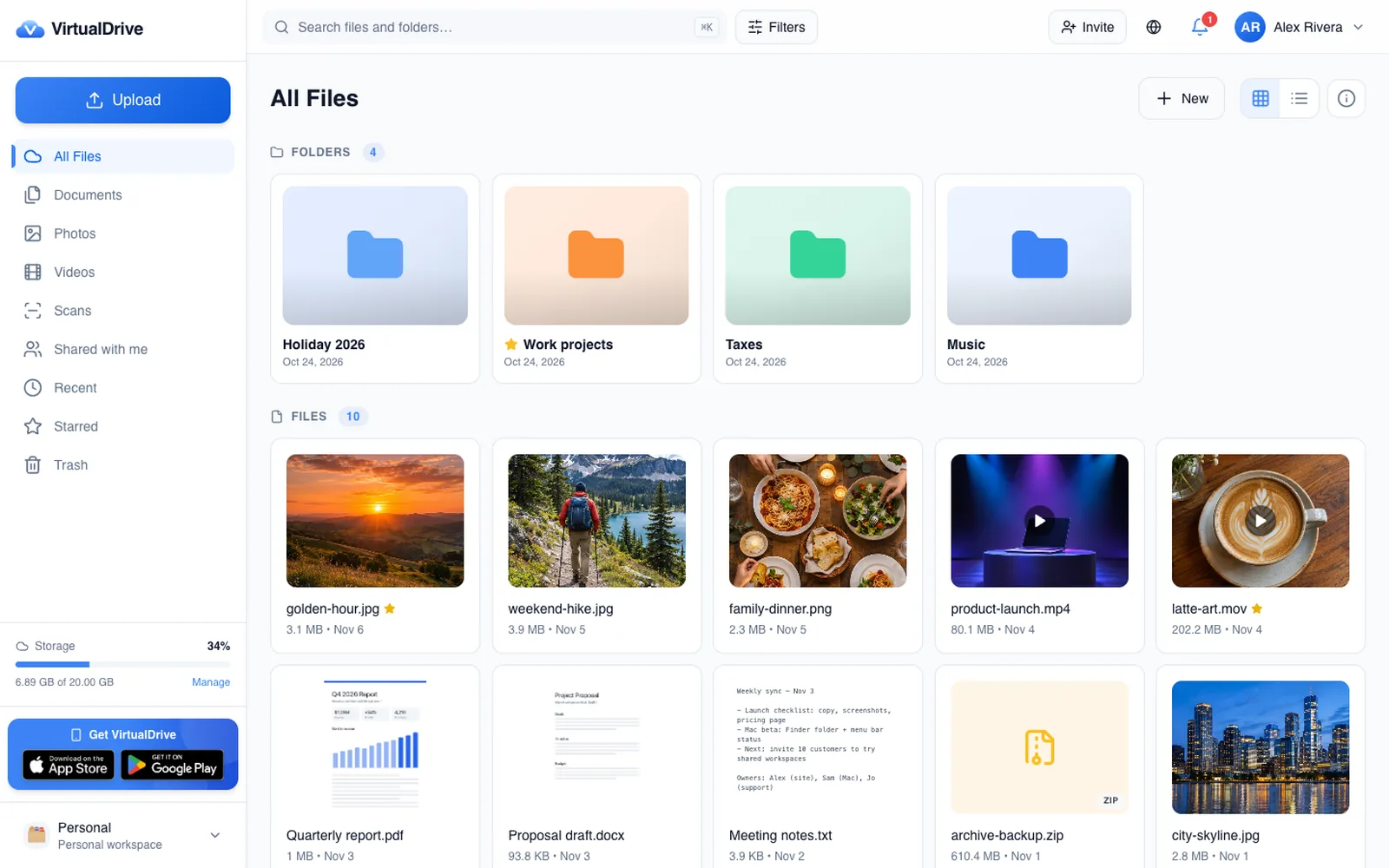
- The core product, free: uploads, folders, photo backup, file and folder sharing with public links, on the web, iPhone, iPad and Android.
- You only pay if you outgrow it. The one honest "catch" is further down.
Searches for "free cloud storage" often turn up free trials: a paid plan you can use for a week or a month before the card on file is charged. Every service in this guide offers a free plan instead — space you can keep with no end date. Before you sign up anywhere, check two things: whether a credit card is required, and whether the free space expires.
How 20 GB compares: free cloud storage in 2026
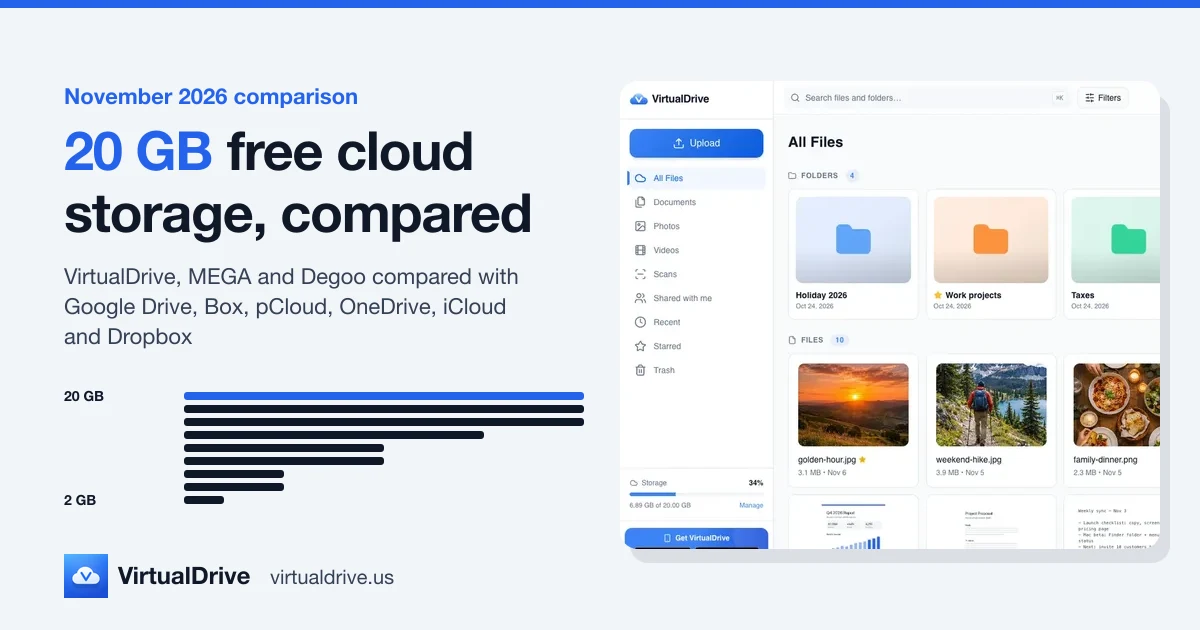
Here is how much free space each provider gives as of November 2026. Three apps tie at the top with 20 GB; after that the free tiers drop quickly.

Free cloud storage plans compared, November 2026
- VirtualDrive20 GB
No ads · Web, iPhone & iPad, Android (Mac and Windows coming)
AES-256 encryption, 2FA, photo backup with Space Saver; files never used to train AI
- MEGA20 GB
No ads · Web, Windows, Mac, Linux, iOS, Android
End-to-end encrypted; transfer quotas on the free plan
- Degoo20 GB
Ads · Web, iOS, Android
Free tier is ad-supported
- Google Drive15 GB
No ads · Web, Windows, Mac, iOS, Android
15 GB shared across Gmail, Drive and Photos
- Box10 GB
No ads · Web, Windows, Mac, iOS, Android
250 MB file-size limit on the free plan
- pCloudUp to 10 GB
No ads · Web, Windows, Mac, Linux, iOS, Android
Starts lower; extra free space unlocked by completing steps
- Microsoft OneDrive5 GB
No ads · Web, Windows, Mac, iOS, Android
Built into Windows
- Apple iCloud5 GB
No ads · Apple devices, Windows app, web
Shared with device backups
- Dropbox2 GB
No ads · Web, Windows, Mac, Linux, iOS, Android
Basic plan limited to a few devices
Figures are each provider's published free plan as of November 2026. Providers change their plans; check their sites before you decide.
How we compared
We used each provider's own published free plan as of November 2026: the storage you get on sign-up, whether the free tier shows ads, which platforms have an app, and the one limit most worth knowing. We left out referral bonuses and time-limited promotions, because they change often and not everyone qualifies. Providers change their plans, so check their sites before you commit — and we update this comparison when the numbers move.
The 20 GB free plans: VirtualDrive, MEGA and Degoo
VirtualDrive: 20 GB, no ads, built for phone photos
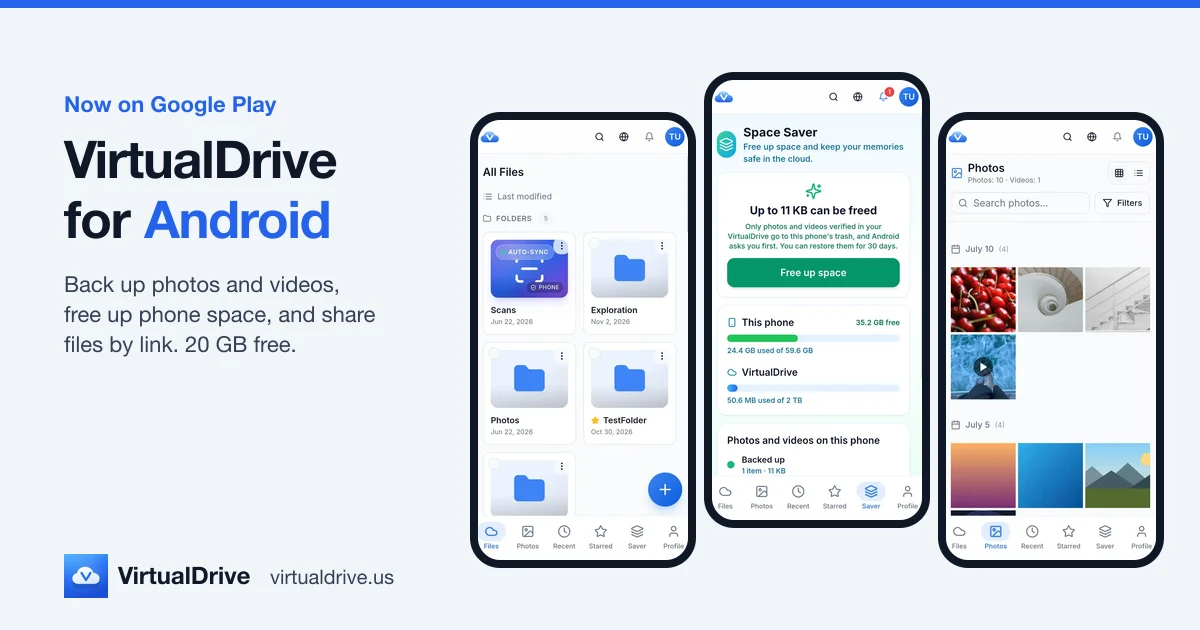
VirtualDrive gives every account 20 GB with no card, no trial timer and no ads. It runs on the web, iPhone and iPad, and Android; native apps for Mac and Windows are coming.
- Photo backup: the iPhone app and the Android app back up photos and videos automatically.
- Space Saver: frees space on your phone, but only after each photo is backed up and verified.
- Security: AES-256 encryption at rest, TLS in transit, and two-factor sign-in.
- Privacy: no ads, and your files are never sold or used to train AI.
Honest limits: on the free plan a single file can be up to 500 MB, so very long 4K videos need a paid plan (up to 5 GB per file). VirtualDrive is not end-to-end encrypted. And the Mac and Windows apps are not out yet, so on a computer you use the web app for now.
MEGA: 20 GB with end-to-end encryption
MEGA also gives 20 GB with no ads, and it is end-to-end encrypted, which is its main selling point. It has apps for the web, Windows, Mac, Linux, iOS and Android. The trade-off to know about: the free plan comes with transfer quotas, so check them if you plan to share or download a lot.
Degoo: 20 GB, paid for by ads
Degoo matches the 20 GB, on the web, iOS and Android. The difference is how the free tier is funded: it is ad-supported. If you are fine with ads in exchange for the space, it is an option; if you want a clean, ad-free app, VirtualDrive or MEGA fit better.
Close, but under 20 GB
- Google Drive — 15 GB. Generous, but shared across Gmail, Drive and Google Photos. A busy inbox eats into your file space.
- Box — 10 GB. Popular for work files, but the free plan limits files to 250 MB each, which rules out longer phone videos.
- pCloud — up to 10 GB. You start lower and unlock extra free space by completing steps.
- Microsoft OneDrive — 5 GB. Built into Windows, which makes it convenient, but 5 GB fills fast.
- Apple iCloud — 5 GB. Built into every Apple device, but shared with device backups, so it fills fast once your iPhone backs up to it.
- Dropbox — 2 GB. The smallest free plan here, and the Basic plan is limited to a few devices.
What actually fits in 20 GB?
Gigabytes are hard to picture, so here is one realistic way a full free plan could look: 3,000 photos (10.5 GB), 1.5 hours of 1080p video (5.4 GB), 5,000 documents (2.5 GB), 150 songs (1.2 GB), with 0.4 GB still free.

And if you used the whole 20 GB for one kind of file, these are the rough numbers. They are estimates: newer cameras, RAW photos, Live Photos and higher frame rates all take more space.
| File type | Assumed size | Fits in 20 GB |
|---|---|---|
| Phone photos (12 MP, HEIC or JPEG) | about 3.5 MB each | about 5,700 photos |
| Phone video, 1080p at 30 fps (HEVC) | about 60 MB a minute | about 5½ hours |
| Phone video, 4K at 30 fps (HEVC) | about 170 MB a minute | about 2 hours |
| Documents (PDF, Word, spreadsheets) | about 0.5 MB each | about 40,000 files |
| Songs (4 minutes, 256 kbps) | about 8 MB each | about 2,500 songs |
For most people — documents, school or work files, and a phone's everyday photos — 20 GB is a useful amount, not a teaser. Heavy 4K video is where any free plan runs out first. If you are not sure how much you need, our guide to how much cloud storage you need walks through it.
How we can give away 20 GB — with no ads
The reasonable question with any free tier is "what's the business model?" With an ad-supported app, part of the cost is your attention, and usually some data about how you use the app. Ours is simple: paid plans subsidize free ones. That's the whole mechanism. To be explicit about what we don't do to monetize free accounts:
- We don't run ads or third-party ad SDKs.
- We don't sell your data or your metadata.
- We never use your files to train AI.
If a free plan has no ads, check what else makes it smaller than it looks. "Shared with email" (Google) and "shared with backups" (iCloud) are the usual ones.
How to choose the best free cloud storage app
Five questions sort out most decisions:
- Is the space all yours? 15 GB shared with email is not the same as 20 GB just for files.
- How big are your files? Per-file limits (250 MB on Box free, 500 MB on VirtualDrive free) matter for video.
- Which devices do you use? Check for an app on every phone and computer you own.
- What kind of encryption do you need? Encryption at rest protects stored files; end-to-end encryption means even the provider can't read them.
- What happens when you outgrow it? Look at the next plan up, not just the free one.
If you mostly back up iPhone photos
VirtualDrive's iPhone app backs up your camera roll automatically, and Space Saver clears space on the phone only after every photo is backed up and verified. iCloud is built in, but its 5 GB is shared with device backups.
If you need end-to-end encryption
Look at MEGA or Proton Drive. VirtualDrive uses AES-256 at rest and TLS in transit, which protects against stolen disks and snooping on the network, but it is not end-to-end encrypted.
If you already live in Gmail
Google Drive's 15 GB is right there — just remember it is shared with your email and Google Photos.
The one honest "catch"
VirtualDrive's free plan caps at 20 GB, and on it individual files can be up to 500 MB each. If you need more space, that's when VirtualDrive costs money — and we'd rather say that plainly than bury it:
- Pro — $9.99/month for 2 TB, with files up to 5 GB each.
- Ultra — $19.99/month for 5 TB.
virtualdrive.us; in the iPhone and Android apps, Apple and Google charge their own store prices. The account is the same either way. See pricing for the details.Can you combine free plans to get more?
Yes — nothing stops you from using several free accounts. On paper, the nine plans in this guide add up to close to 100 GB. In practice, juggling apps means files in different places, several passwords and several sets of settings to secure. Most people are better served by one roomy free plan for everyday files, plus a second service only if they need something specific, like end-to-end encryption.
Getting your 20 GB
Create a free account in under a minute — no card needed — then add the iPhone app to back up your photos. The same account and the same 20 GB work on the web, iPhone, iPad and Android, and on the Mac app when it launches.
If you ever outgrow 20 GB, upgrading keeps everything already uploaded. Storing a big photo library? See cloud storage for photos and videos.
Frequently asked questions
Which cloud storage apps give 20 GB free?
As of November 2026, VirtualDrive, MEGA and Degoo each offer 20 GB of free cloud storage. VirtualDrive and MEGA have no ads on the free plan; Degoo's free tier is ad-supported. Google Drive is next with 15 GB, shared with Gmail and Google Photos.
Is there free cloud storage with no ads?
Yes. Of the 20 GB plans, VirtualDrive and MEGA show no ads on the free plan. Google Drive, Box, pCloud, OneDrive, iCloud and Dropbox also have ad-free free plans, but with less space (2 GB to 15 GB).
Is VirtualDrive's 20 GB free forever?
Yes. Every VirtualDrive account starts with 20 GB free, with no credit card, no trial timer and no ads. Paid plans (Pro 2 TB, Ultra 5 TB) are optional.
Is VirtualDrive end-to-end encrypted?
No. VirtualDrive encrypts files at rest with AES-256 and in transit with TLS, and supports two-factor sign-in, but it is not end-to-end encrypted. If you need end-to-end encryption, look at MEGA or Proton Drive.
How many photos fit in 20 GB?
Roughly 5,700 phone photos, assuming about 3.5 MB per photo (a typical 12 MP HEIC or JPEG). Larger sensors, RAW files and Live Photos take more space, so treat it as an estimate.
What is the largest file I can upload for free?
On VirtualDrive's free plan a single file can be up to 500 MB; paid plans raise that to 5 GB. Box's free plan caps files at 250 MB. Check each provider's limits if you work with large videos.