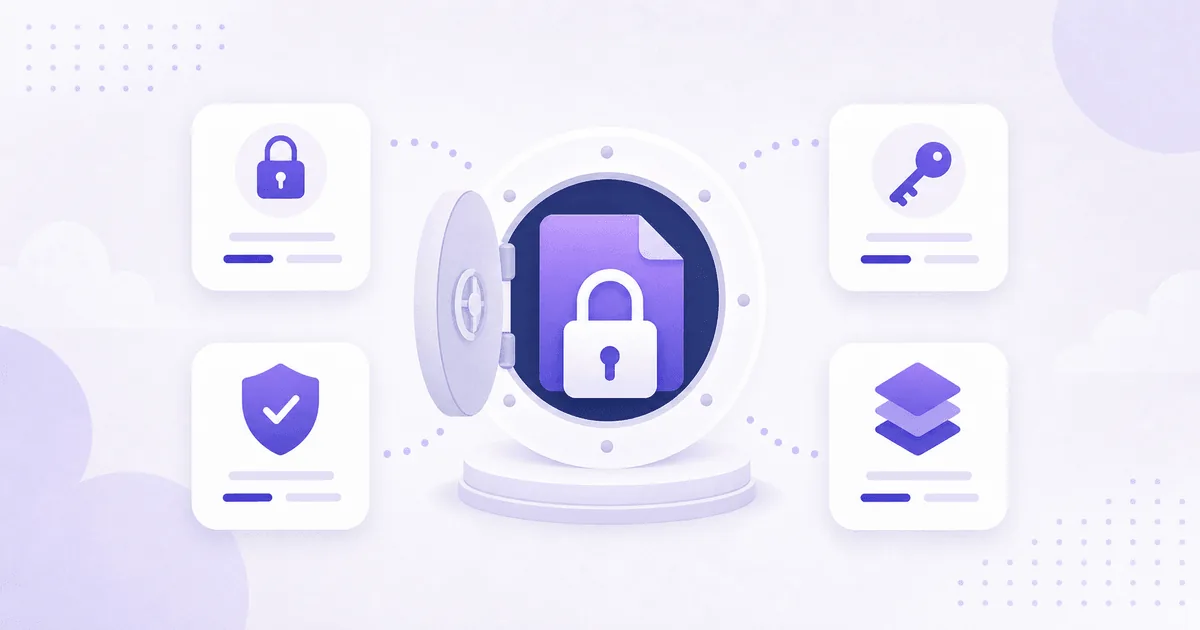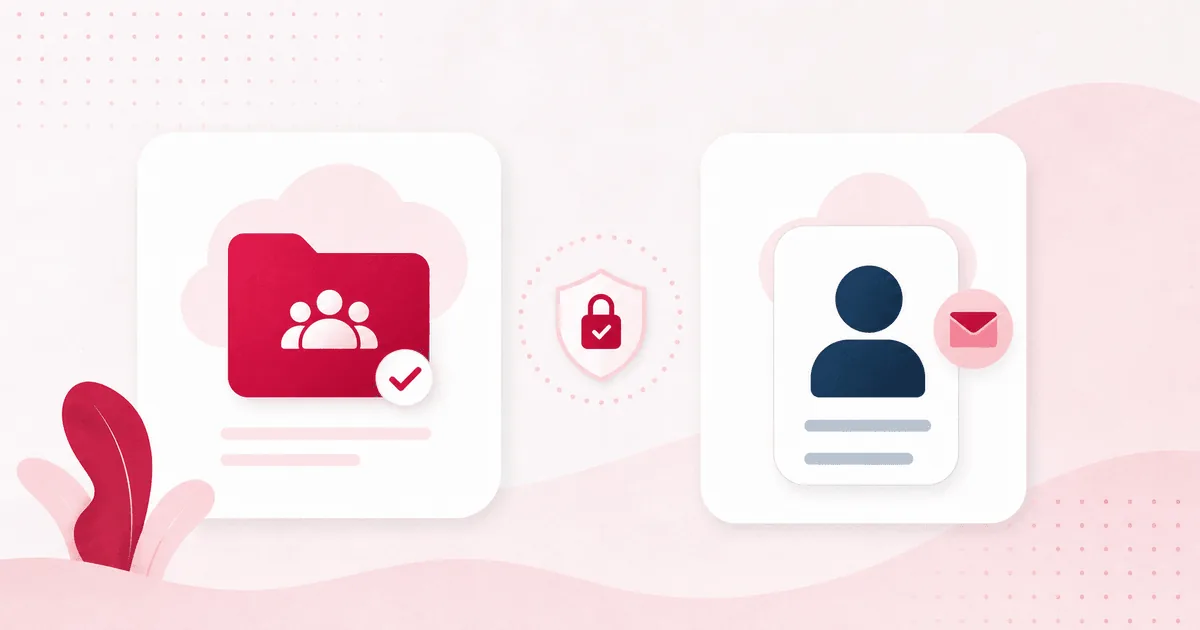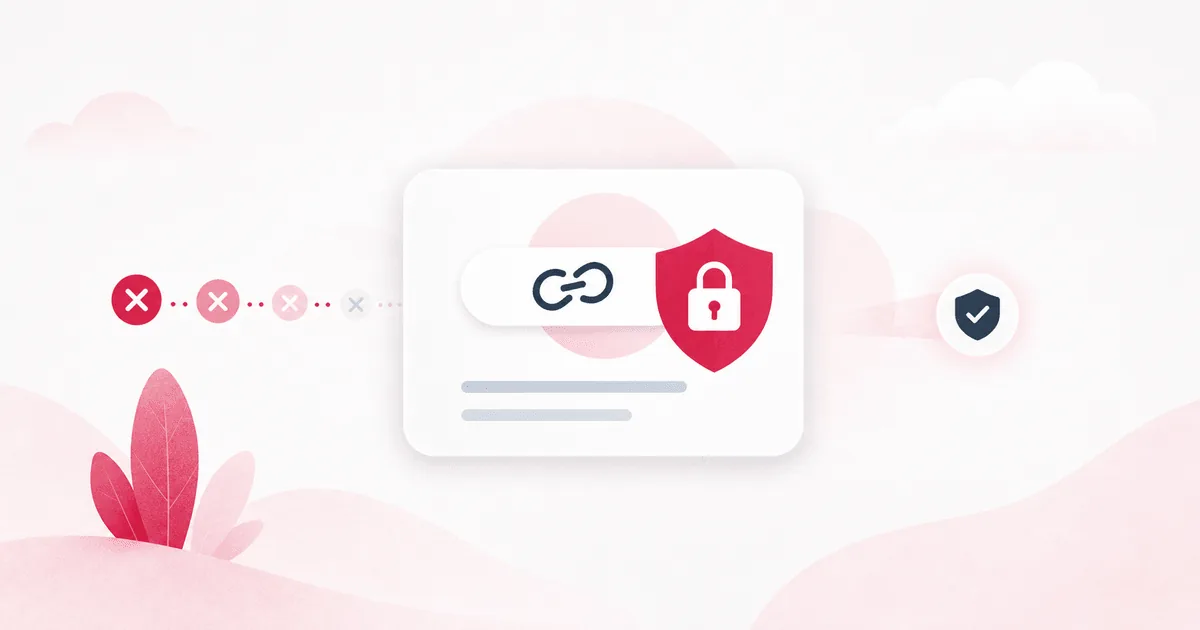
In 2026, "is it encrypted?" is still a necessary cloud storage question. It is no longer a complete privacy question. Privacy now covers what happens before upload, while files are shared, when support is involved, after deletion, and whether file contents can be used by analytics or AI systems.
Regulators are moving in the same direction. The FTC keeps emphasizing practical data minimization: collect what you need, protect it, and dispose of it securely. California's updated CCPA regulations became effective on January 1, 2026, adding risk-assessment and cybersecurity audit requirements for certain businesses. In Europe, the EDPB continues to focus on GDPR responsibilities, cloud services, and international data transfers.
Privacy is more than encryption
Encryption is the baseline. If a service does not protect files at rest and in transit, it should not be trusted with sensitive documents. But 2026 privacy requires a second layer of questions:
- Does the service use file contents or metadata for ads, profiling, or AI training?
- Can shared links be controlled with expiry, passwords, and permissions?
- Can you see who accessed a file after the fact?
- What happens to backups and derived data when a file or account is deleted?
- Where are files stored or processed, and under whose legal framework?
1. Data minimization: what is never collected cannot leak
The strongest privacy design is not collecting extra data in the first place. The FTC's privacy and security guidanceputs the idea plainly for businesses: collect what you need, keep it safe, and dispose of it securely. For cloud storage, that translates into product decisions like:
- Do not ask for unnecessary personal information at sign-up.
- Do not read file contents for advertising or recommendations.
- Keep analytics limited to what is needed to run and improve the product.
- If support access is ever needed, gate it with permission, purpose, and audit logs.
2. Be explicit about AI training
One of the most practical privacy questions in 2026 is: "Will my files train an AI model?" For many users, photos, contracts, school documents, customer files, and tax records may be processed for storage, preview, or search — but should not become model-training material.
A good cloud storage provider should not hide this behind vague language about "service improvement." It should say clearly whether file contents are used for AI training or not.
3. Shared links are privacy boundaries
The most common cloud storage privacy failure is not a dramatic breach. It is a link that stayed public too long, a folder shared with too many people, or a download permission nobody remembered to remove. Sharing is useful precisely because it is easy; that is why it needs controls.
- Can links expire automatically?
- Can sensitive links be protected with a password or view limit?
- Can you separate view-only access from download access?
- Can you review and revoke old links in one place?
4. Business use needs a risk-assessment mindset
Even small teams need more than "it is convenient" when customer files, contracts, invoices, or identity documents are stored in the cloud. California's CCPA updates effective January 1, 2026added risk-assessment and cybersecurity audit rules for certain businesses. Not every small business has the same legal duty, but the mindset is useful.
Choosing cloud storage should include a simple risk question: what data goes where, who can access it, what controls exist, and how would we notice if something went wrong?
5. Check data location and cross-border transfer
Personal users may not think about data location every day. Businesses, schools, healthcare providers, and public-sector teams often have to. The EDPB's cloud services work and 2026 Data Privacy Framework materials keep the spotlight on who processes data, where it moves, and what contractual protections exist.
Not every user needs a legal review. But if a storage provider gives no meaningful explanation of where files are stored, which infrastructure is used, or how subprocessors are handled, treat that as privacy opacity.
A practical 2026 checklist
- Encryption: protection at rest and in transit is clearly stated.
- Access control: 2FA, session management, and workspace roles are available.
- Sharing control: links can expire, be revoked, and use passwords or permissions.
- AI policy: the service is explicit about whether file contents train models.
- Deletion: file deletion, account deletion, and backup retention are explained.
- Auditability: business accounts can review access history and admin events.
- Data location: infrastructure and processing locations are not hidden.
Where VirtualDrive fits
VirtualDrive is built to make file storage, organization, and sharing simple while being direct about the privacy basics. Files are encrypted at rest and protected in transit with TLS. Public sharing supports controls such as passwords, expiry, and view limits. And VirtualDrive does not train AI models on user file contents.
In 2026, choose cloud storage by more than capacity. Ask how your files are handled, who can reach them, what happens when you share them, and whether the business model depends on using your data in ways you would not expect. Privacy is not one feature; it is the posture of the whole product.